Quick Start
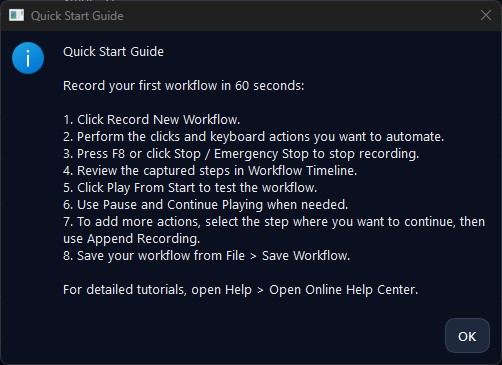
Record your first workflow in under a minute.
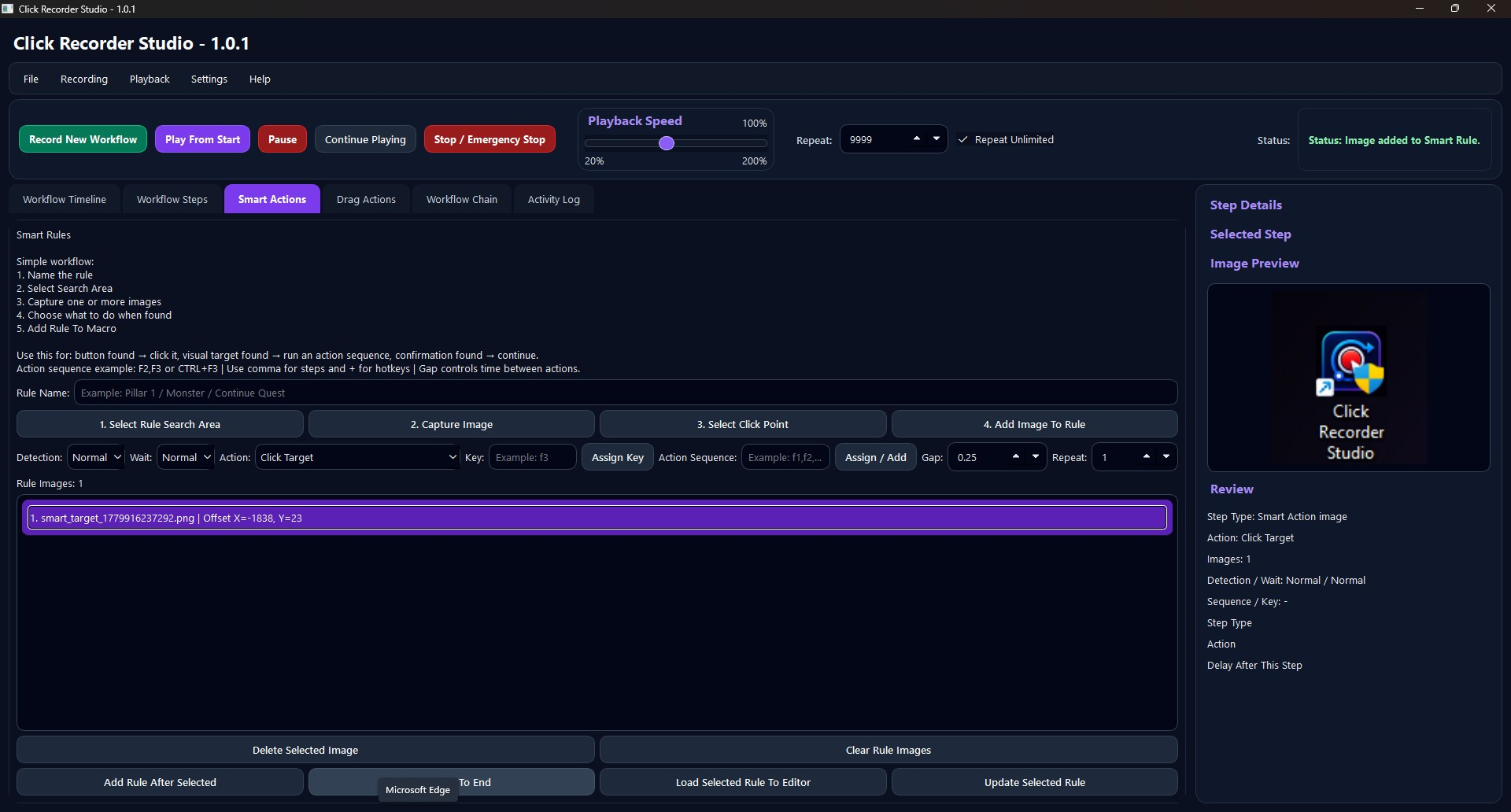
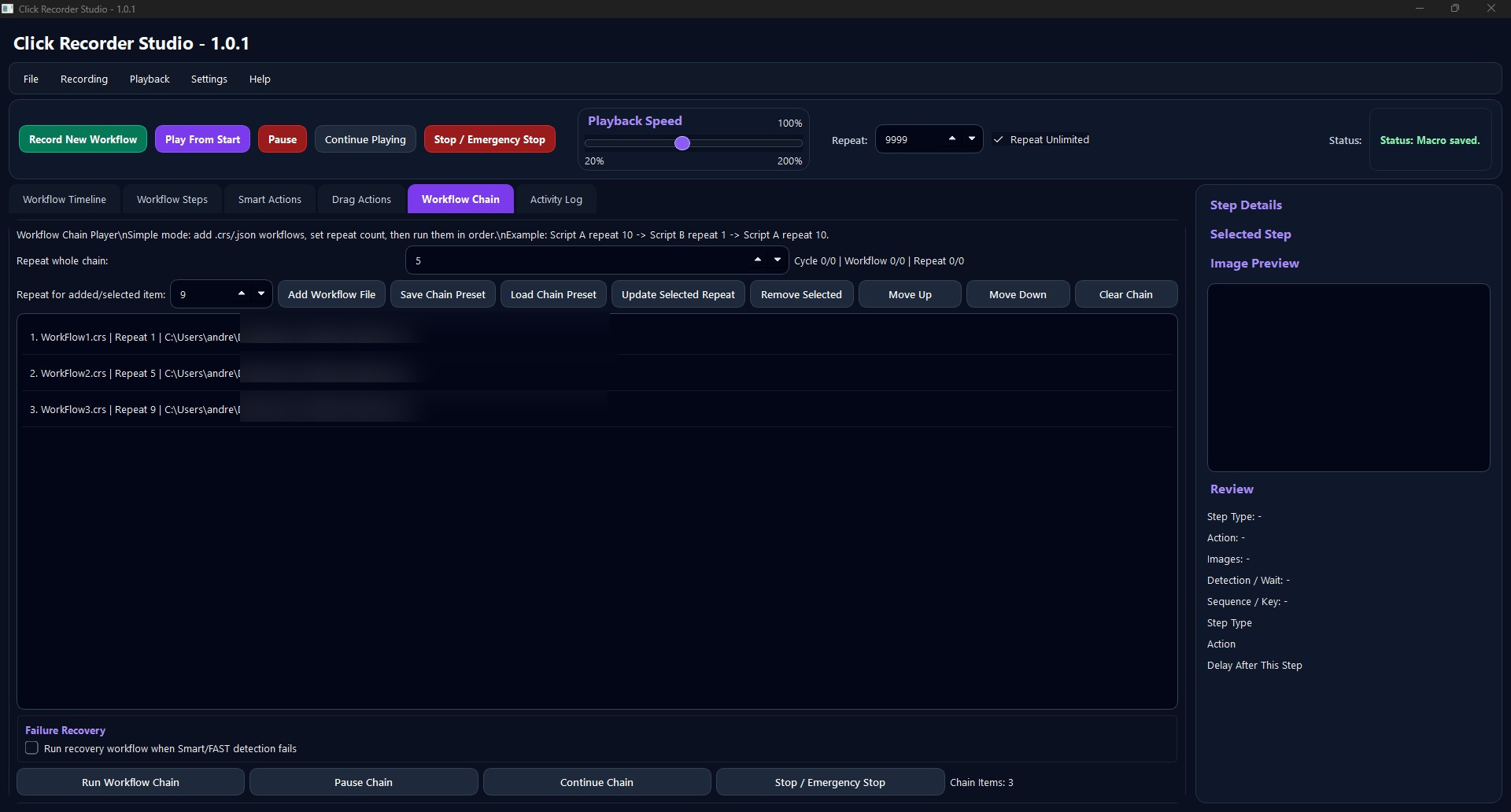
- Click Record New Workflow.
- Perform the mouse and keyboard actions you want to automate.
- Press F8 or use Stop / Emergency Stop.
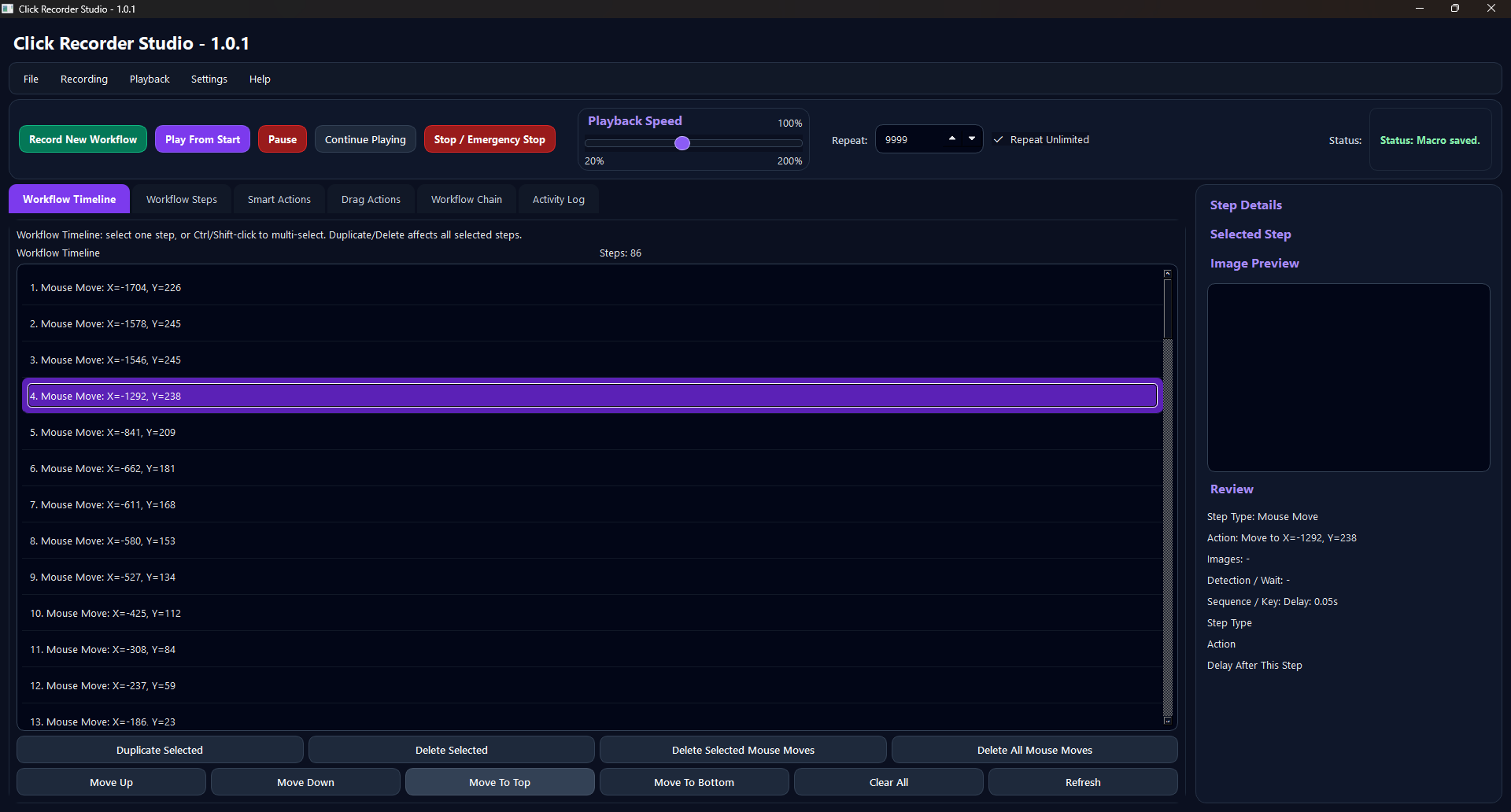
- Review the captured steps in Workflow Timeline.
- Click Play From Start to test it.
- Use Pause, Continue Playing, or Append Recording when needed.